

What is a Progressive Web App (PWA)?
Pivotize TT • November 16, 2025
Progressive Web Apps: a smarter, friendlier web experience
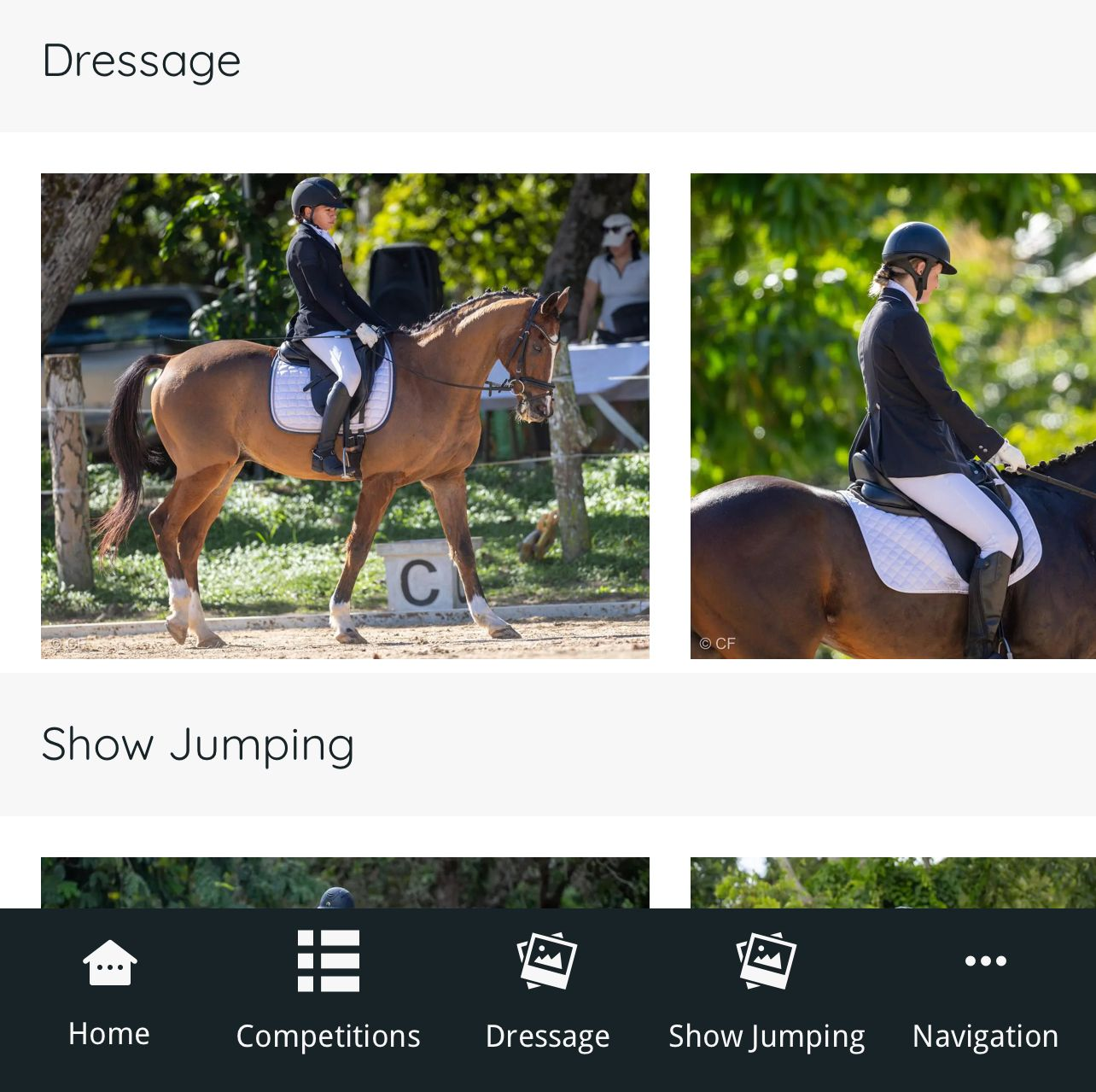
Imagine visiting a website that feels and acts like a native app on your phone or tablet. That’s the promise of a Progressive Web App, or PWA. It combines the accessibility of the web with the smooth, app-like feel you expect from a downloaded app—without the hassle of installing from an app store.
What makes PWAs special?
- Progressive:
They work for almost everyone, on any device. If a feature isn’t available, the core experience still works.
- Responsive:
They adapt to different screen sizes, so they look good on phones, tablets, and computers.
- Connected and offline-friendly: They load quickly and can work even when your internet is slow or temporarily unavailable.
- App-like feel: They respond quickly, look polished, and you can add them to your home screen for instant access.
- Always up-to-date: They update automatically in the background, so you’re always using the latest version.
- Safe:
They are delivered over secure connections, keeping your data safer.
- Easy to discover:
They appear in search results just like regular web pages, so you don’t need to visit an app store.
- Re-engageable: They can send helpful notifications to bring you back, similar to traditional apps.
Why this matters for users
- Faster, smoother experiences with quick loading and snappy responses.
- Works offline or on slow networks, so you can stay productive anywhere.
- One-click access from your browser, plus the option to add to your home screen.
- No app store downloads or extra permissions required.
Why PWAs are great for developers and businesses
- One codebase for all devices: A single set of files runs on phones, tablets, and desktops.
- Lower costs and simpler updates: No separate native apps to maintain; updates happen automatically.
- Better engagement: Offline capabilities and push notifications help keep users connected.
A quick picture of how PWAs work (in plain terms)
- Service workers:
A background helper that makes the app fast and usable offline.
- Web App Manifest:
A small file that defines how the app looks and behaves when launched.
- Responsive design and HTTPS: The layout adapts to your device, and everything is served securely.

Learn how Trinidad businesses can boost customer enquiries significantly with a clear plan for 2026.

Discover what SEO costs for a small business in Trinidad in 2026 and how a transparent monthly investment can attract more local customers.

Discover how long it takes to see more leads after hiring a digital agency in Trinidad, and which trends in 2026 can speed up your growth.